User’s access and permissions are managed directly within the application. Options include:
Creating new users
Modifying existing users
Inactivating users
Manage the permissions of all users
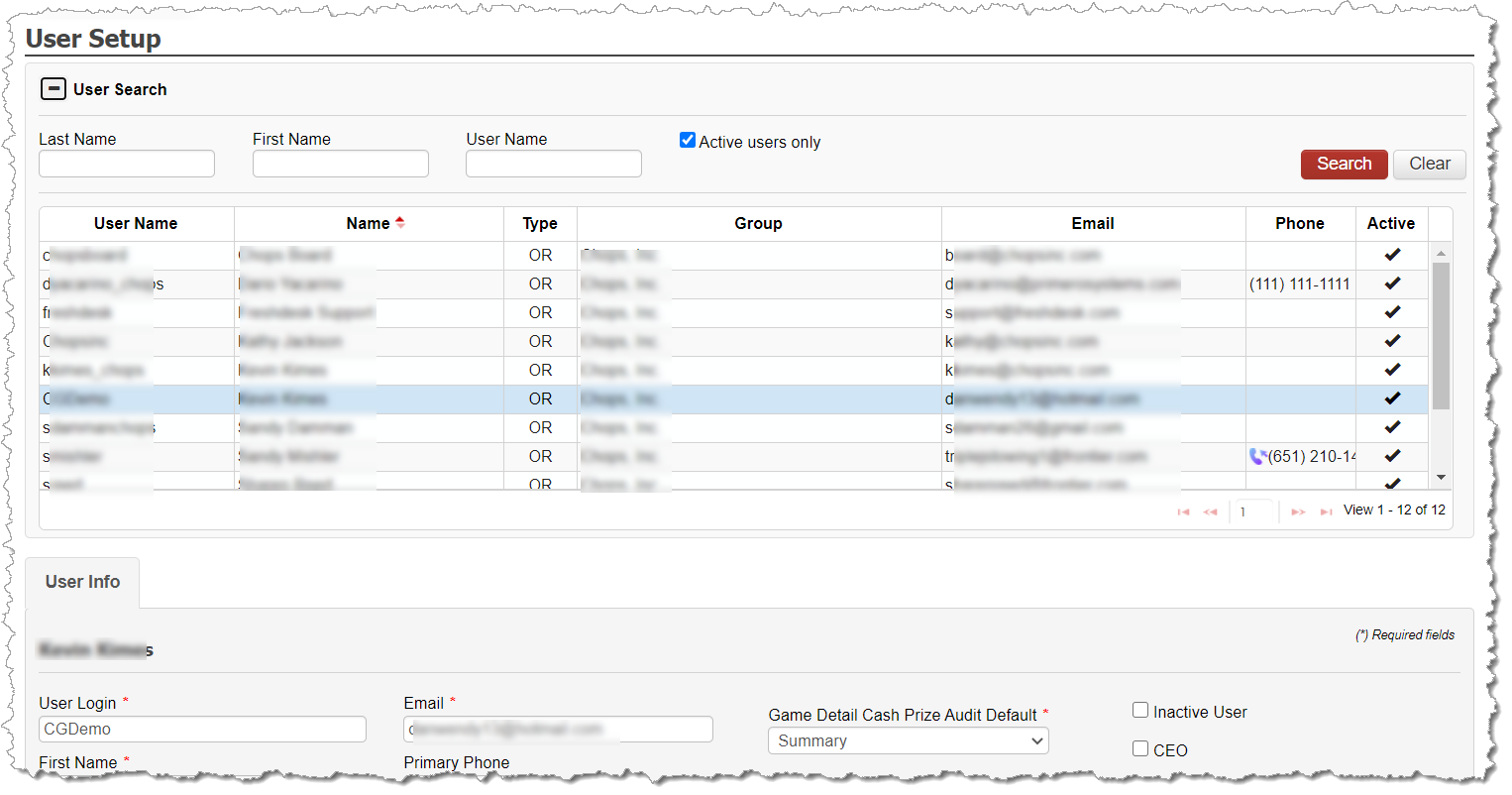
User Setup Screen
Under Utilities – User Setup, the screen allows you to filter, as necessary, in order to find an existing user. By default, the screen shows only active users but you can adjust the filter to show all users.
At the bottom, you can create additional users as necessary. Once the new user is created and saved, an email will be sent to the user with the instructions for completing their authentication into the application.
Each user can be permissioned as desired with the functionality and features of CG Made Easy that match with the user’s role in your gambling operation.