In the event your organization is no longer going to be conducting activity at a premise, there is nothing immediate that needs to be done within CG Made Easy.
Typically, the month after you no longer conduct gaming will continue to include the premise. This is because the month after your last activity month typically still requires the payments of rent, linked bingo expenses, etc. which will be expenses to still have associated to the premise. Once the following month has been filed, you may inactivate the premise.
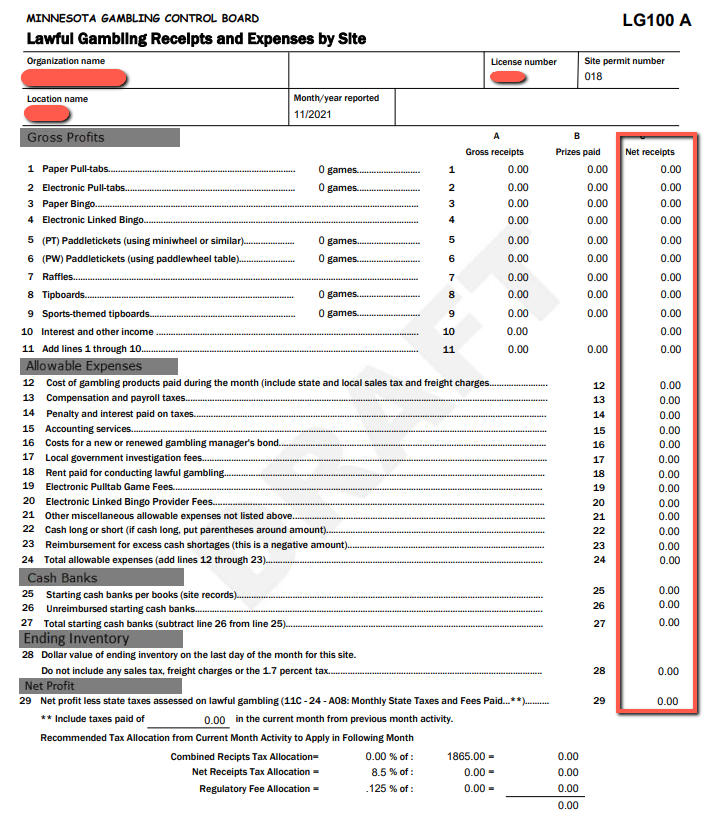
In order to make a site inactive you must have the Schedule A show all zeros as shown here:
Remaining Inventory: either return (enter in credit memo) or transfer the games to your other sites.
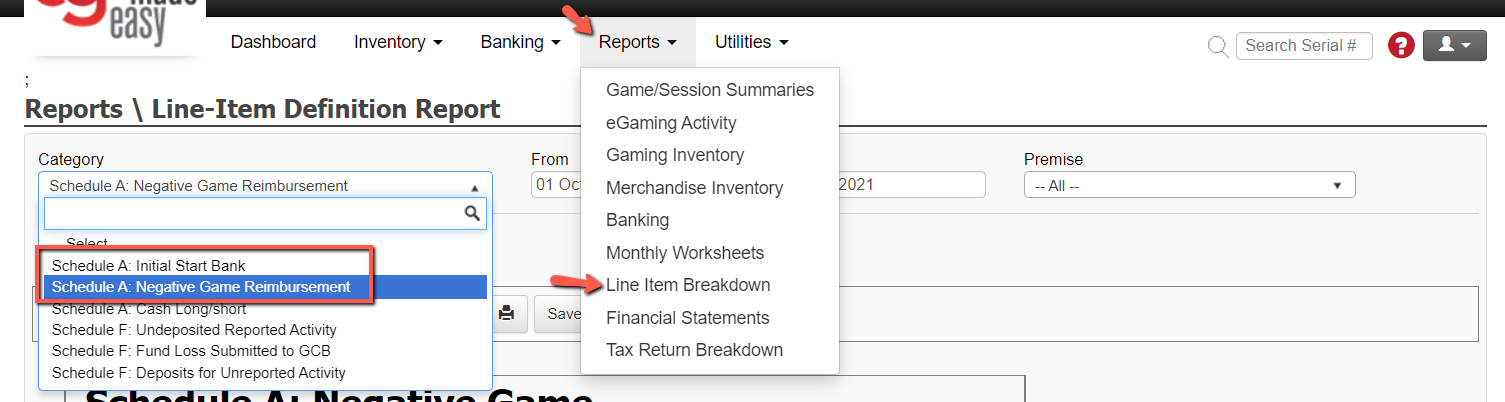
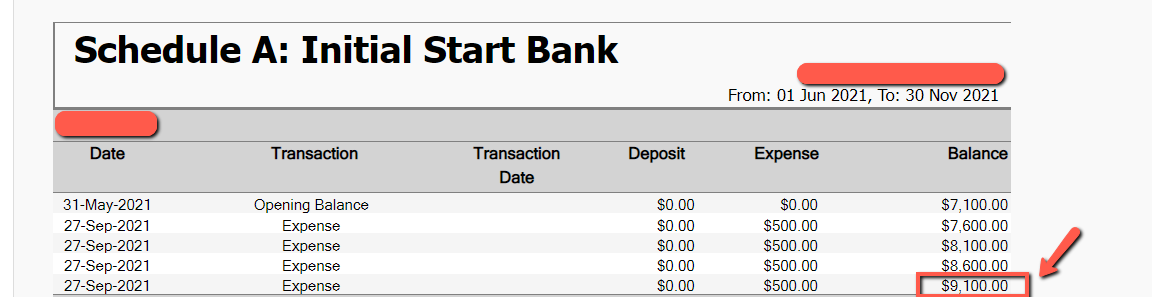
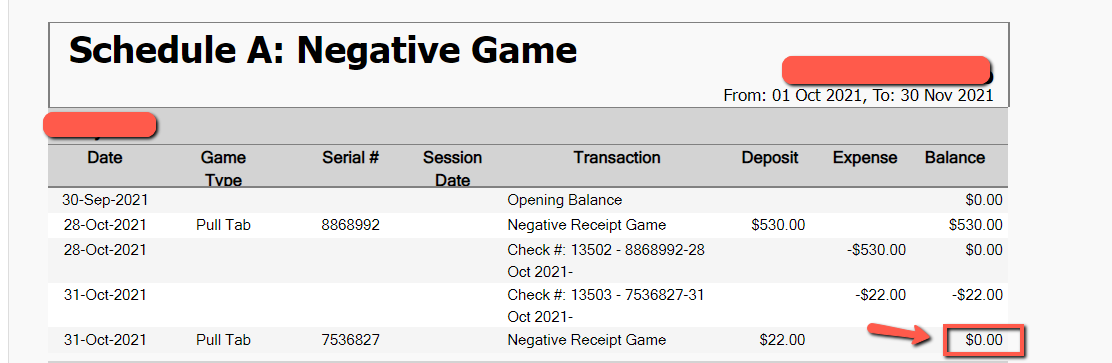
Deposit Start Banks and true up any remaining Negative Game Reimbursement items. Use this report to calculate what is remaining: Reports Tab> and Category Initial Start bank or Negative Game Reimbursement.
Merchandise Balances (owe/on hand) are at zero.
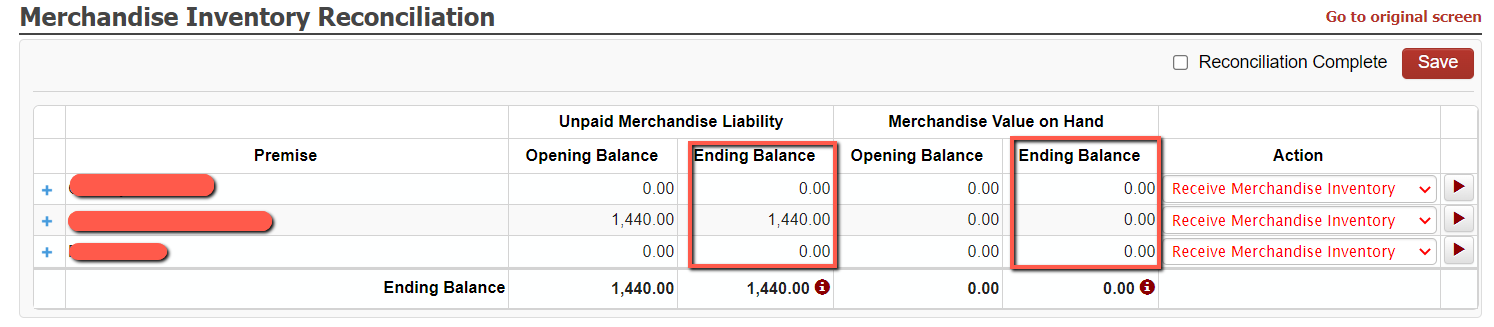
All invoices are paid on site. Distributor and linked bingo activity is paid.
Once you have completed these steps you can follow the steps below to make the site inactive.
Go to UTILITIES>ORG DEFAULTS> Then choose the site to be inactivated, check the Inactive box and SAVE.
