When entering the audit details for Tipboards and Sports Boards, audits can include merchandise prizes and/or cash prizes.
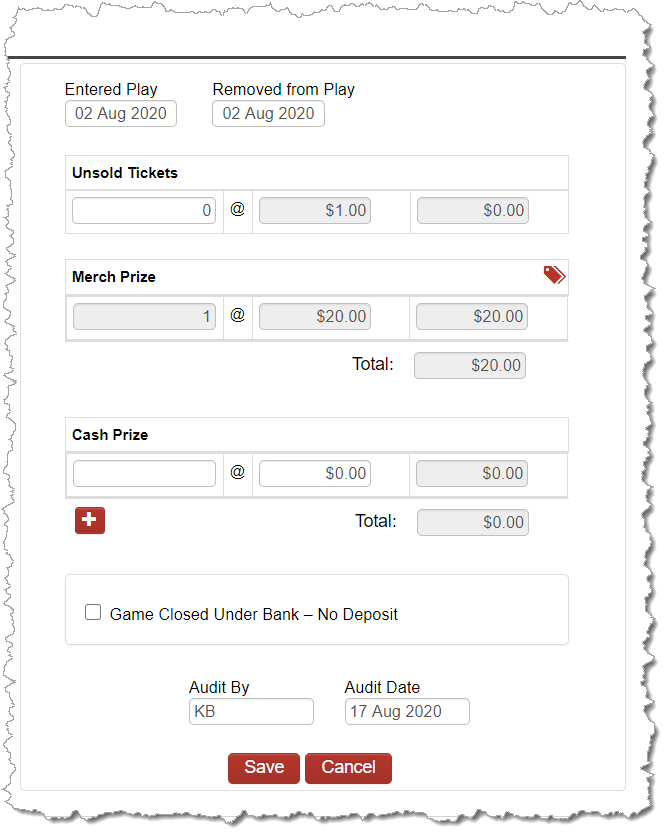
Cash prizes function similar to pulltabs whereby the cash prize value is withheld from the game’s deposit. Merchandise prizes are not withheld from the game’s deposit since the merchandise is paid via a separate transaction and the prizes tracked within the merchandise module.
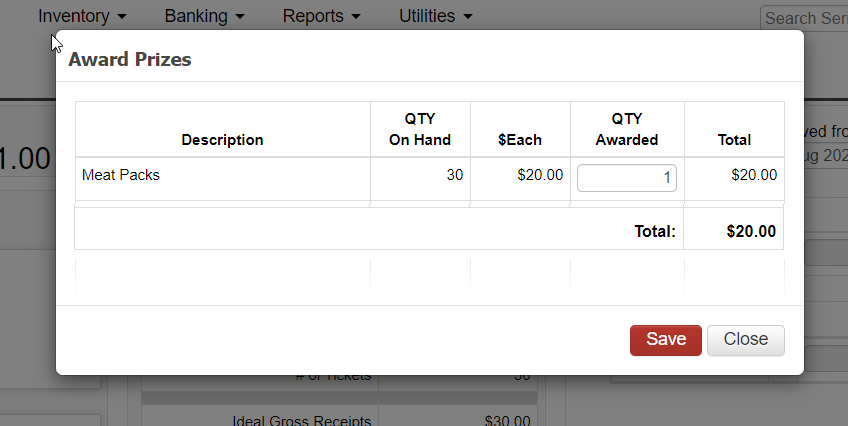
To document the rewarding of merchandise prizes, simply click the prize icon on the top right corner of the merchandise prize section. This will give you a pop-up in order to select the specific prizes from your merchandise inventory that were awarded against this game.
NOTE: When clicking on the Merchandise Prize icon in order to select the specific merchandise prizes awarded for the game, if no merchandise prizes appear on the pop-up, then the merchandise has not yet been received into your inventory. Navigate to the Dashboard and click into the Merchandise reconciliation screen in order to receive merchandise prize inventory. Once received, the merchandise inventory will appear on the game audit merchandise prize popup to assign to the game audit.