Check Prizes Awarded for Bingo Prize
In the event the bingo session has a jackpot or other prize that is being awarded by a check written from the gambling account to the winner(s), the check total must appear under the Check Prize field on the Bingo audit screen.
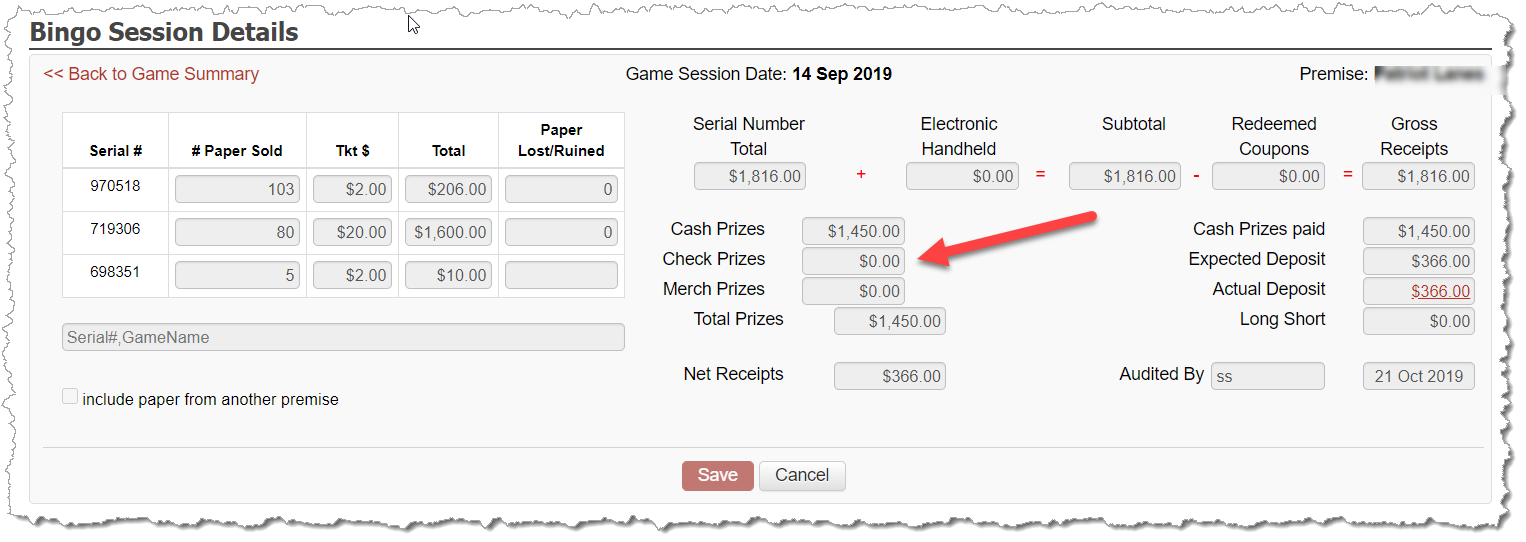
It is not possible to enter a check prize value on the audit screen. The only way this field populates is from the Banking - Expenses screen when the check is entered. Upon entering the check and selecting Check Prize: Bingo from the category dropdown, a pop-up window appears and allows the linking of the expense to the bingo session.
It's important to note here that your date of the check must be on or after the date of the bingo session! Your bingo session details will NOT present in the pop-window if you don't first have the correct date for the check you want to enter.
After this expense is entered and linked, the value will appear on the the bingo audit screen within the Check Prize field and be included as part of the overall bingo session calculations.