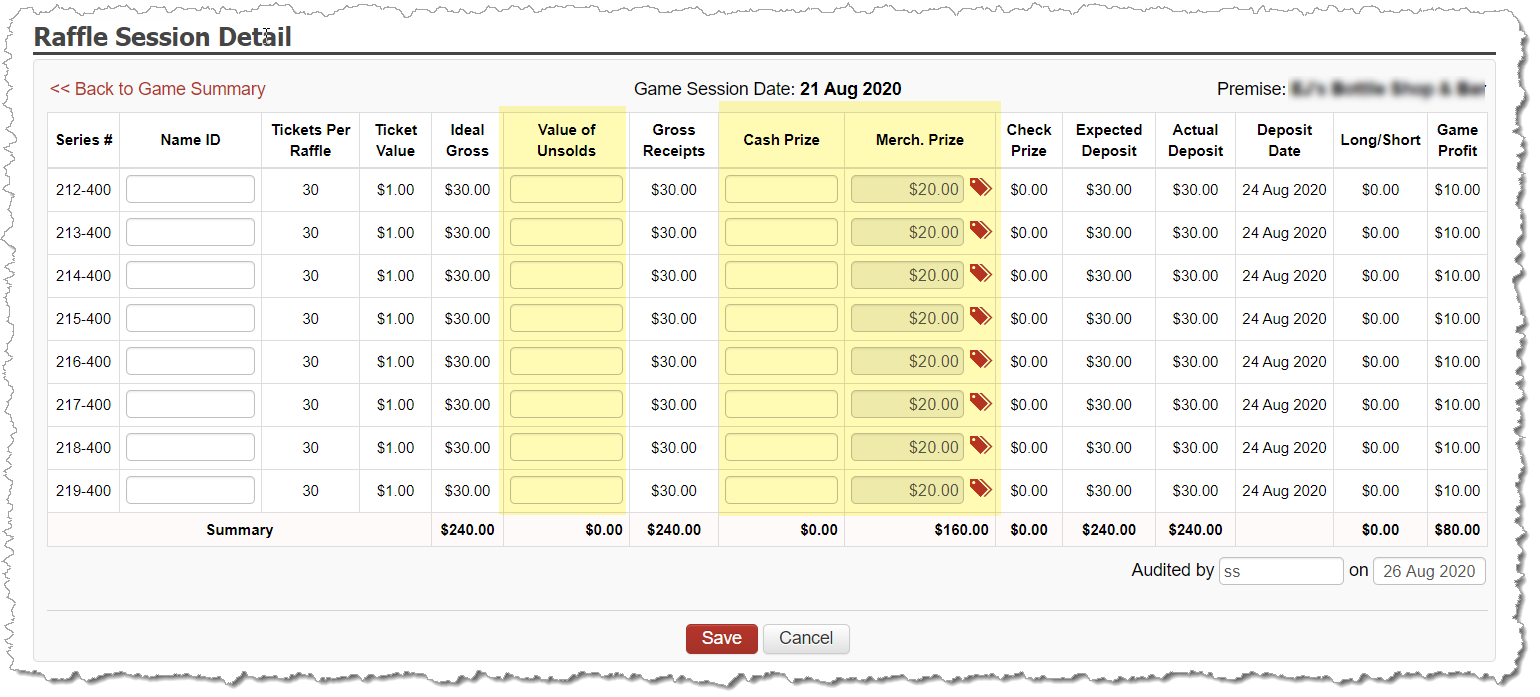
Your entered deposit created the raffle session. That session is now able to be audited.
All un-audited raffle sessions appear on the Dashboard so you can track which sessions still need to be completed prior to closing the month.
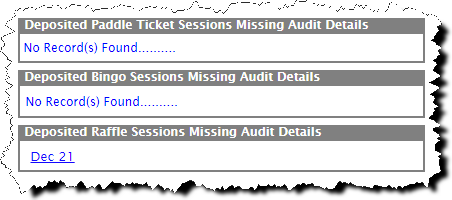
You can also access the sessions to audit by:
Going to Inventory and selecting Gaming Inventory and pulling up the serial number from the desired session.
Entering the serial number within the Search Serial# option at top right corner of any screen.
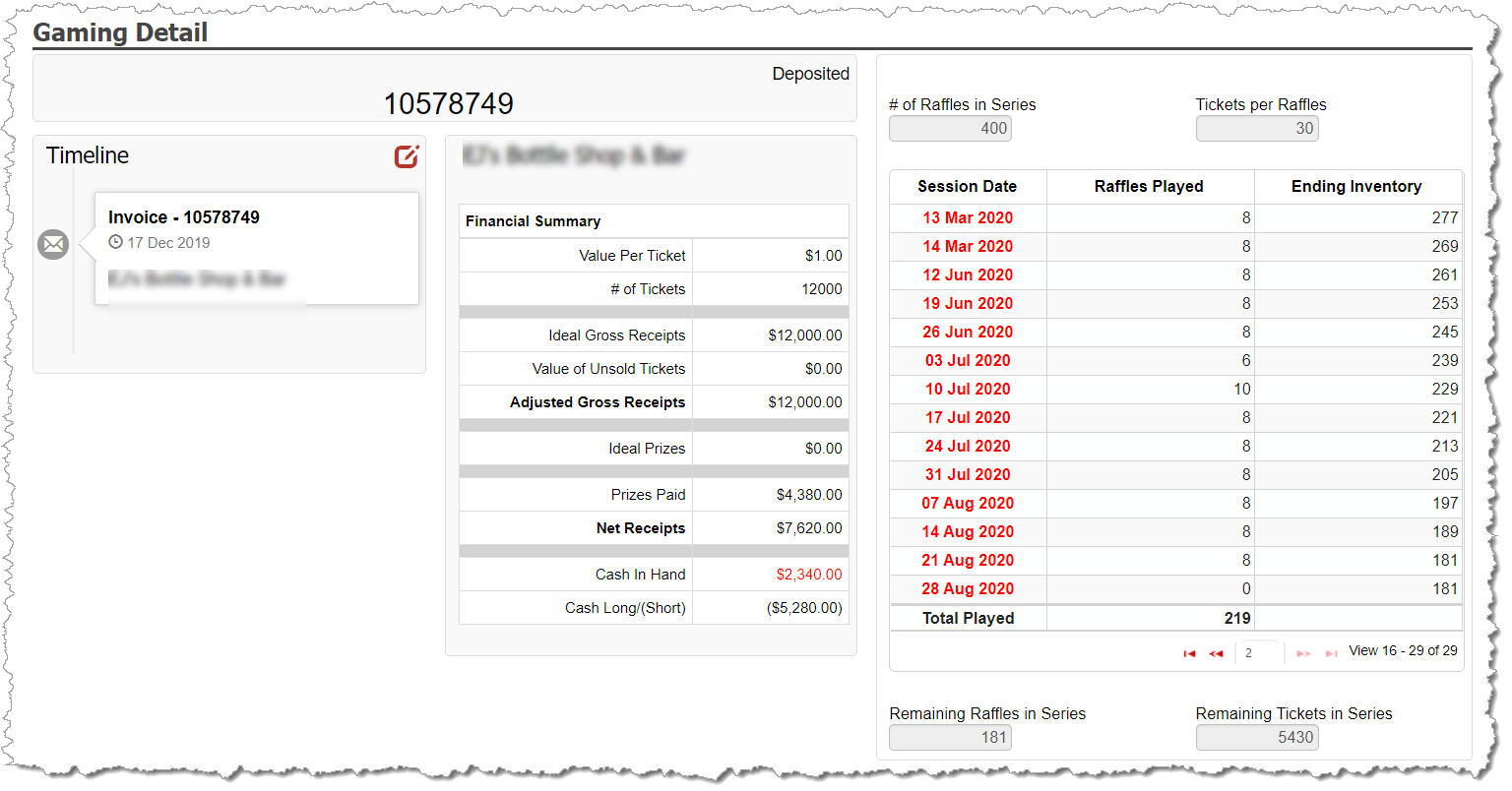
The right side of the Raffle Gaming Detail screen lists the sessions for the multi raffle serial number. You can click into the dates to access the Session Detail screens to complete the audits.
Enter Raffle Audit Details
For each raffle from the series within the session, complete the following:
Enter the value of unsold tickets, if any.
Enter the prizes awarded for each raffle in the series: